Dino Crisis 2
- PublisherCAPCOM
- DeveloperCAPCOM
- MachinePC
- Year2002
- CollectionDino Crisis
- Genre(s):survival-horror
Description
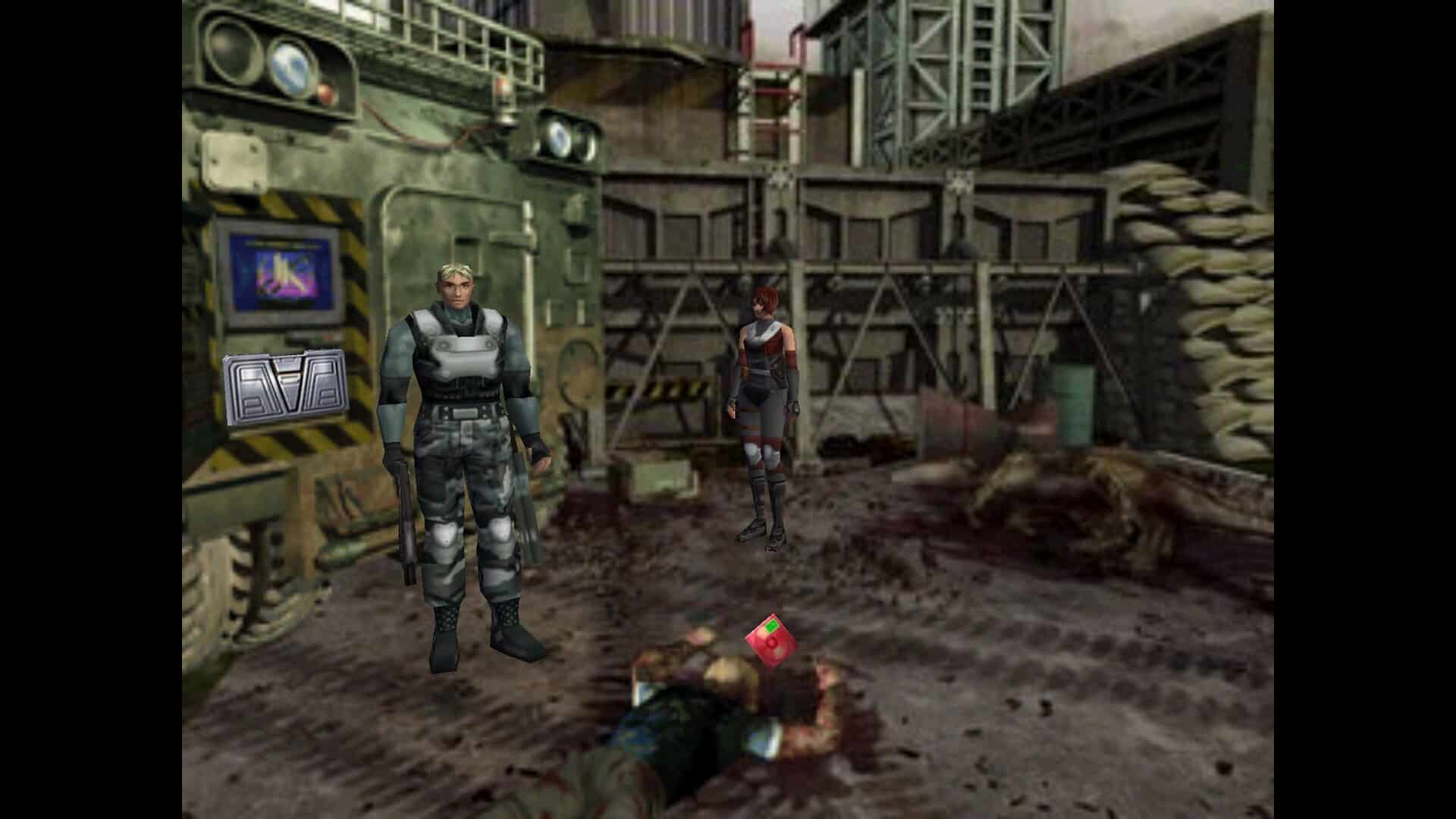
Dino Crisis 2 is an action-adventure title released in 2000 by Capcom for the PlayStation, with a PC version following in 2002. As the second entry in the Dino Crisis franchise, it features Takumi Shu stepping into the director's role, succeeding Shinji Mikami, who directed the original game.
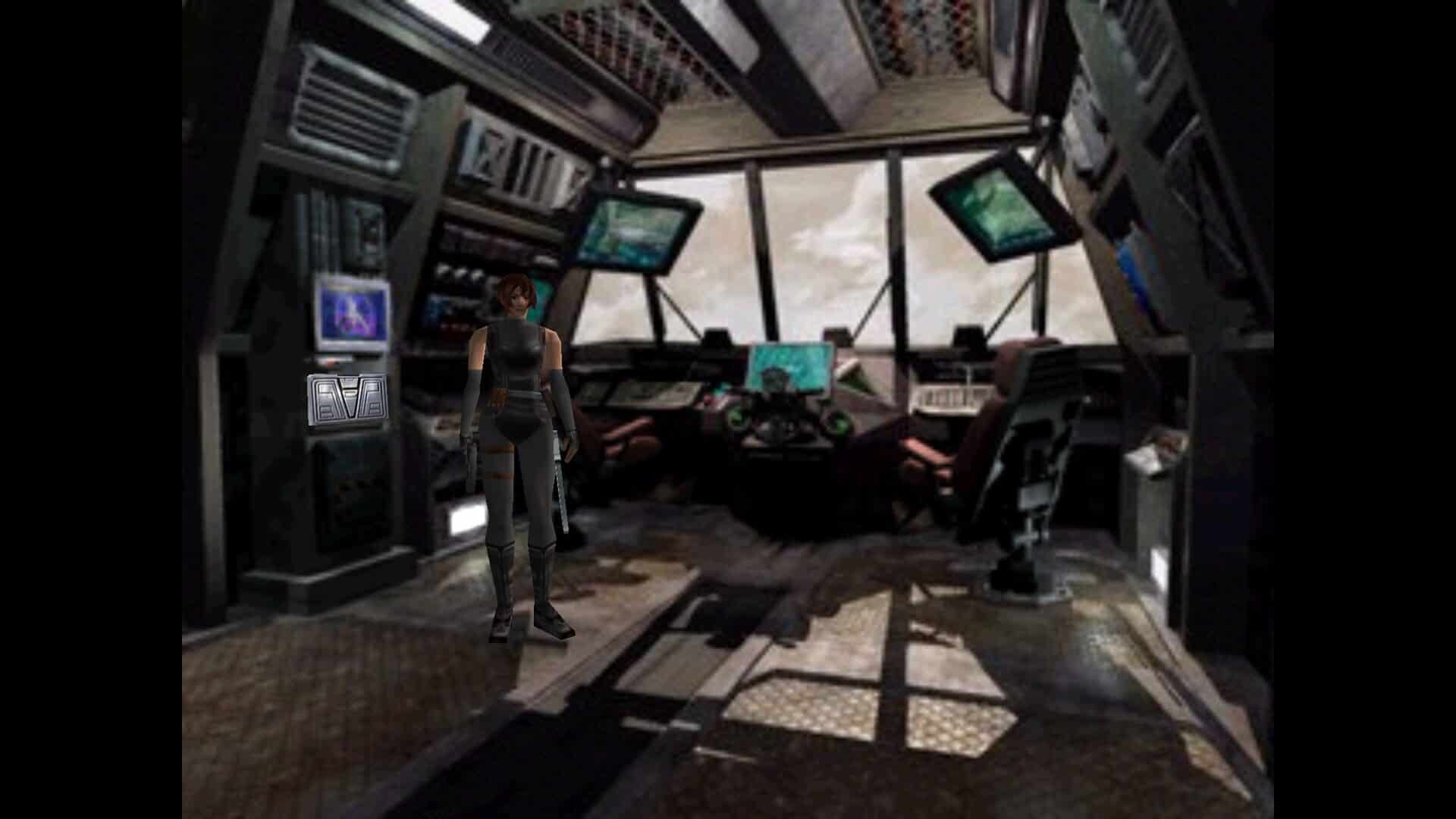
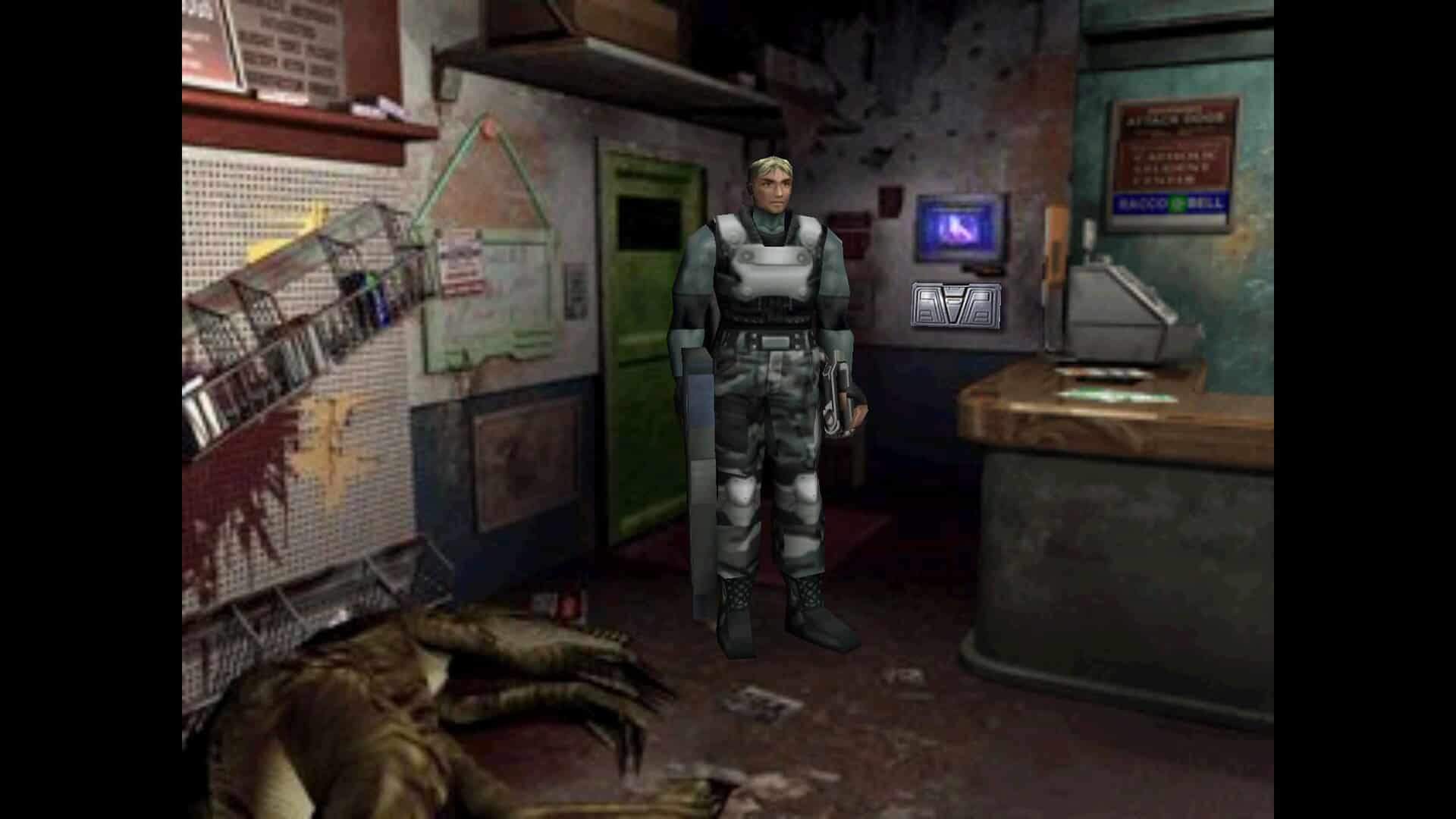
The plot resumes the mission of government agent Regina, who becomes entangled in the aftermath of a catastrophic time-warp incident that shifts an entire research facility (and the land around it) into another era. Alongside squad leader Dylan Morton, she must survive relentless dinosaur attacks while searching for a method to return safely to their own time.
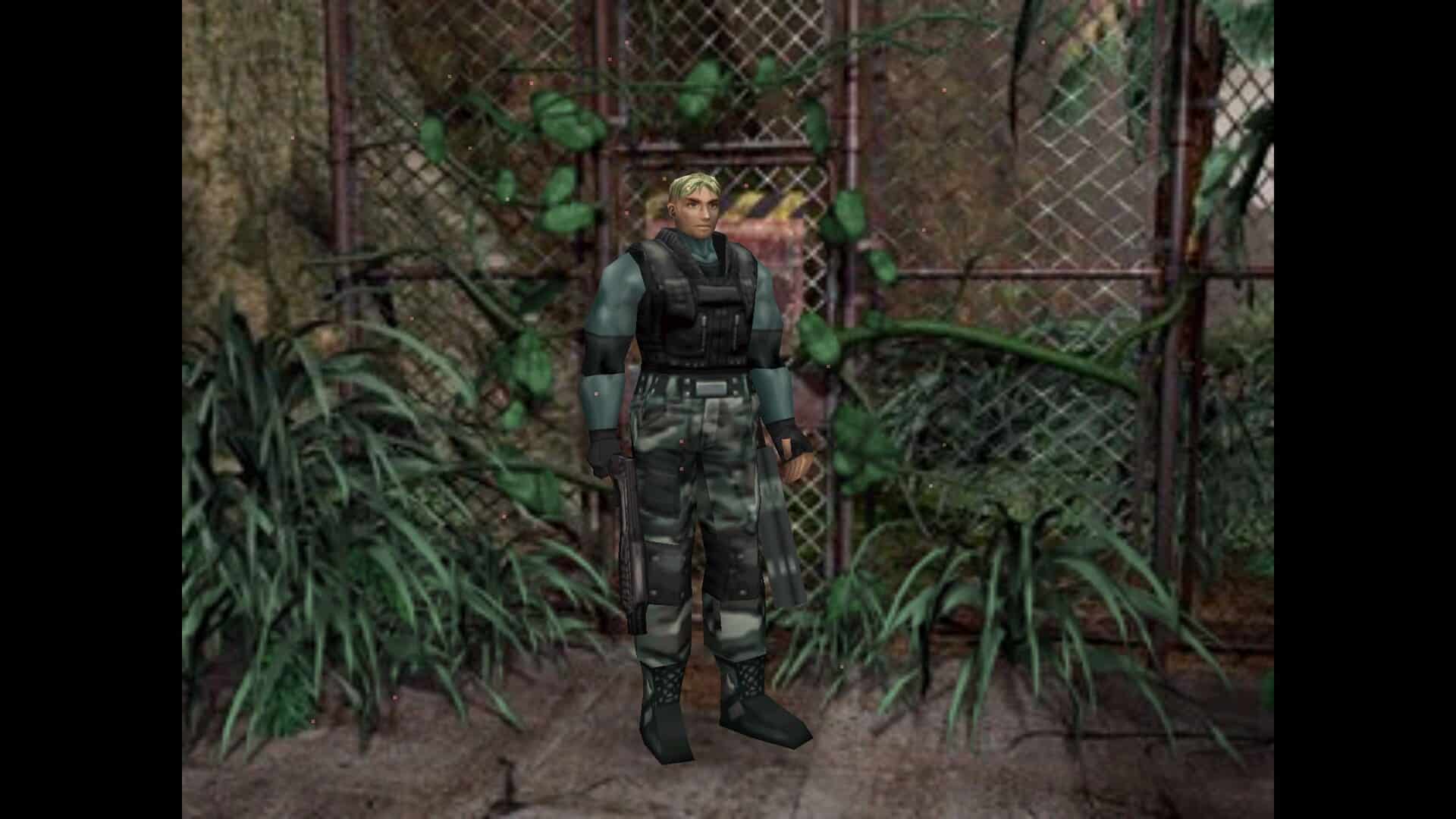
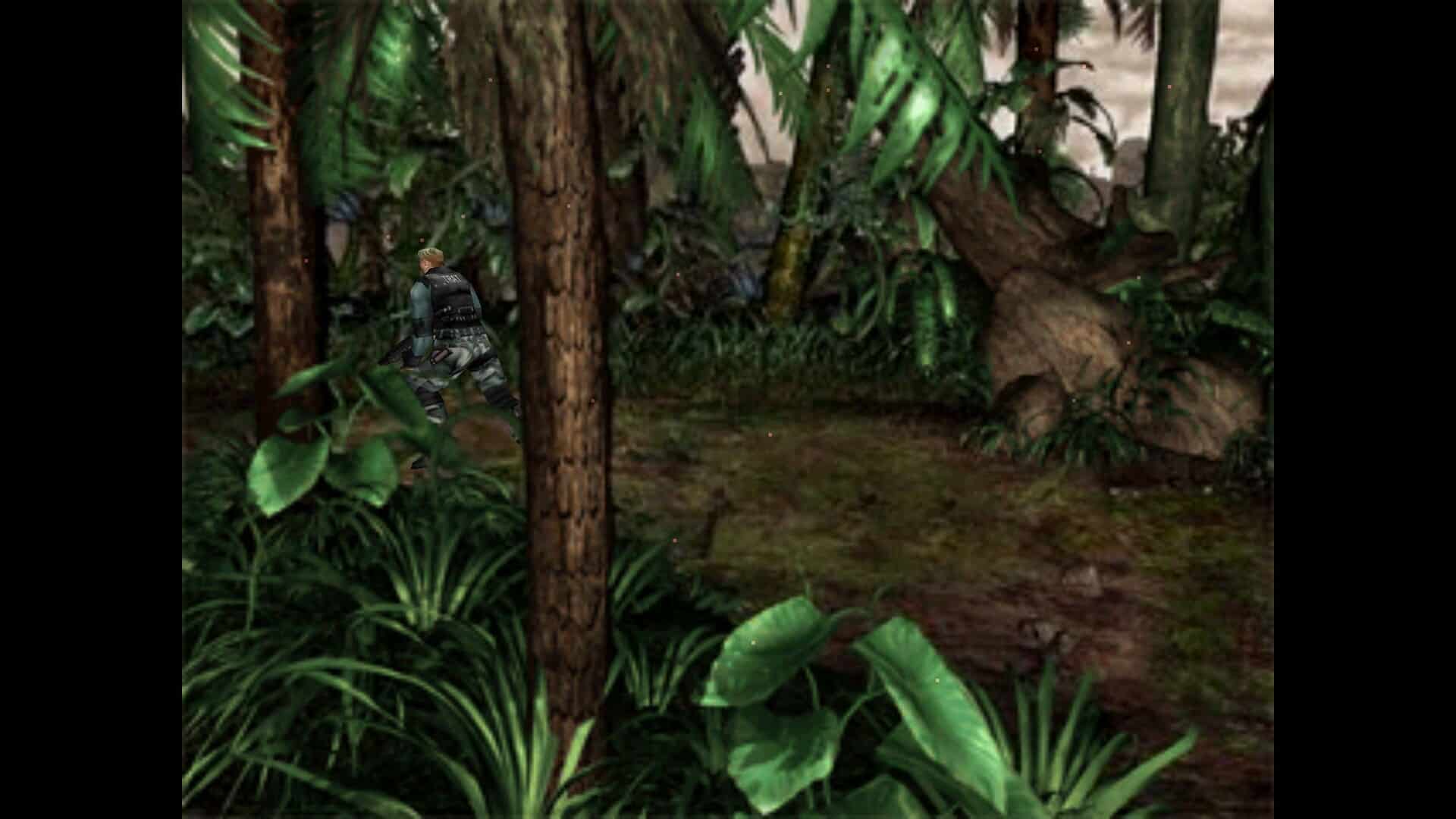
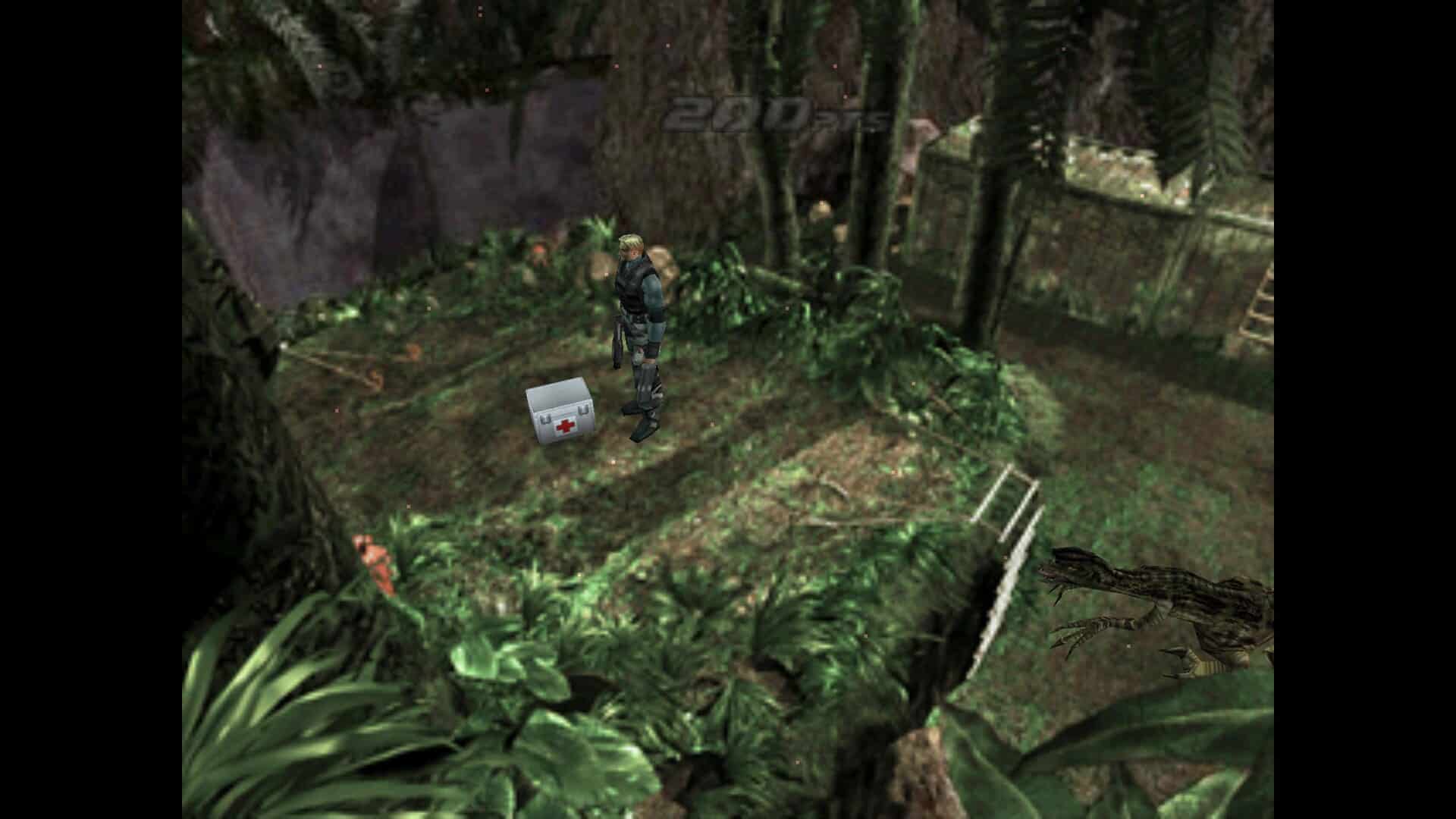
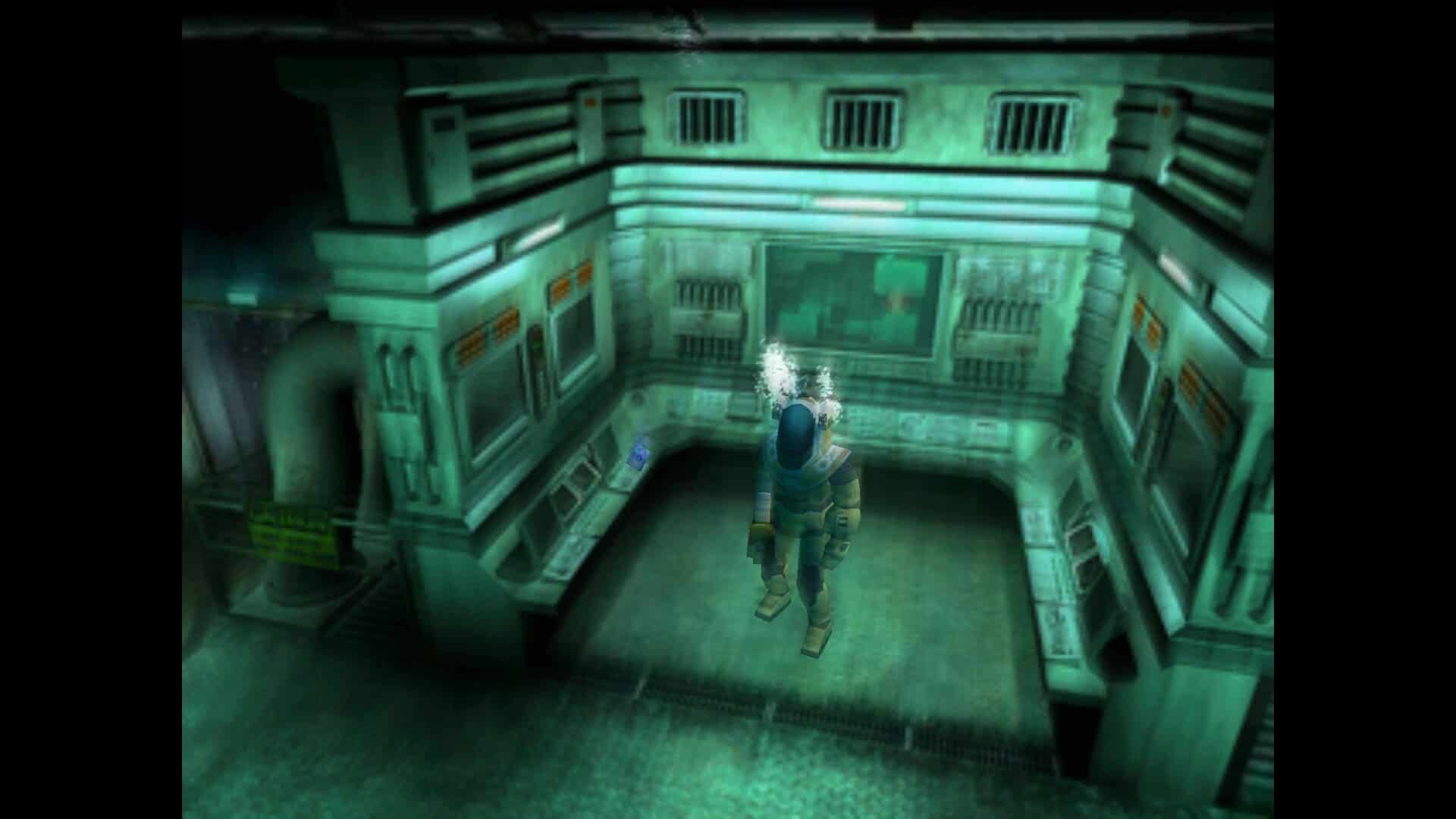
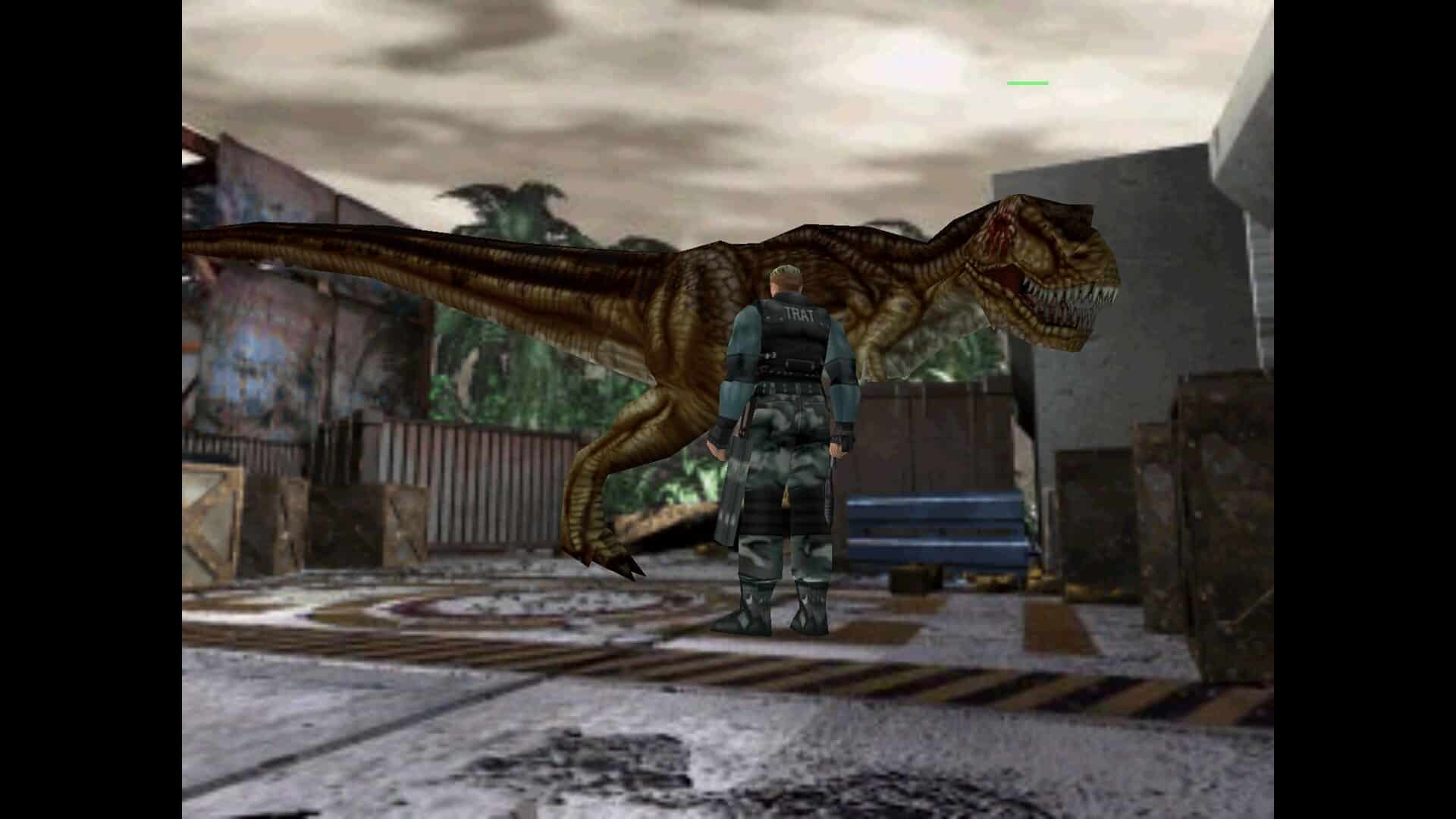
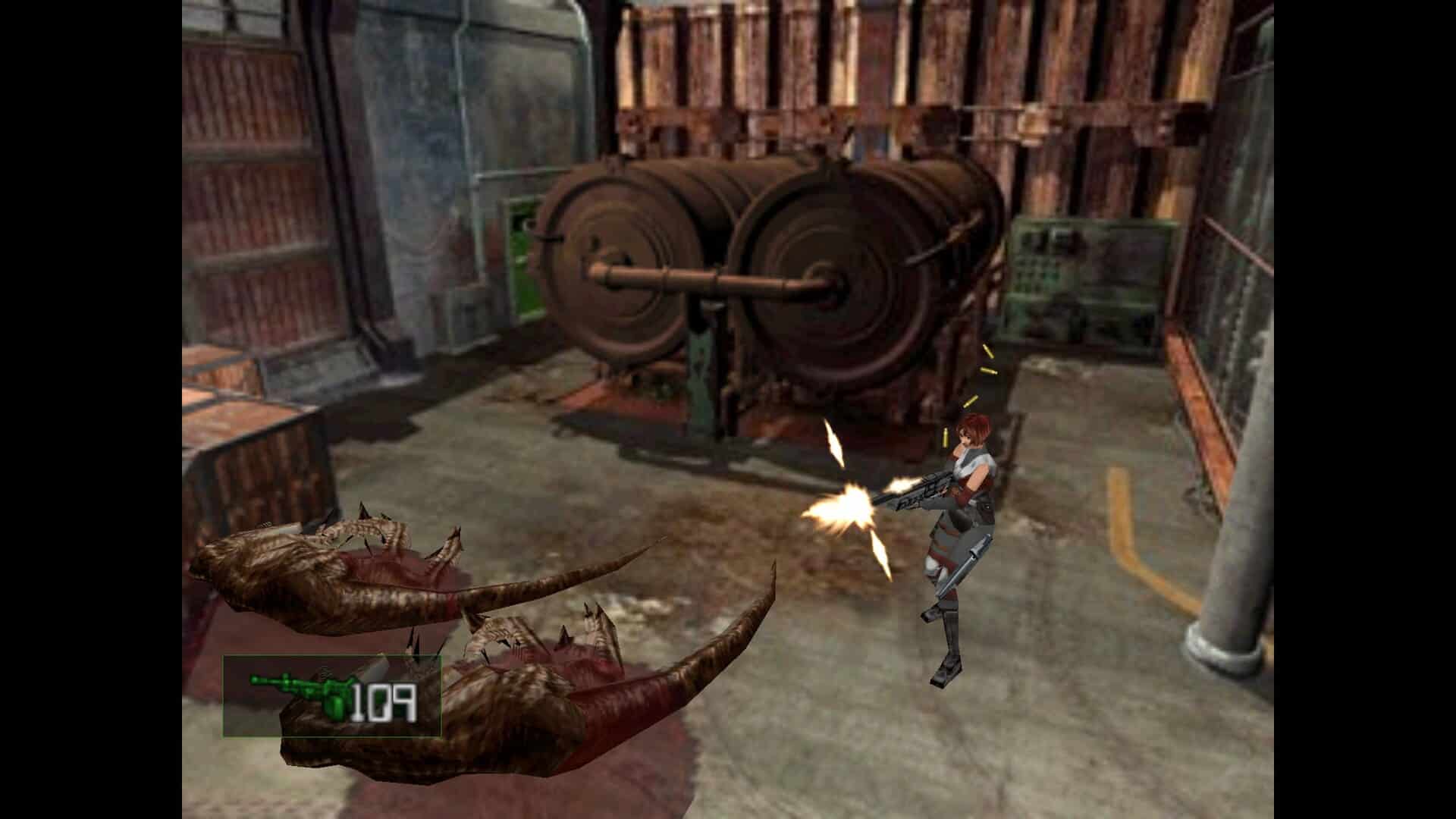
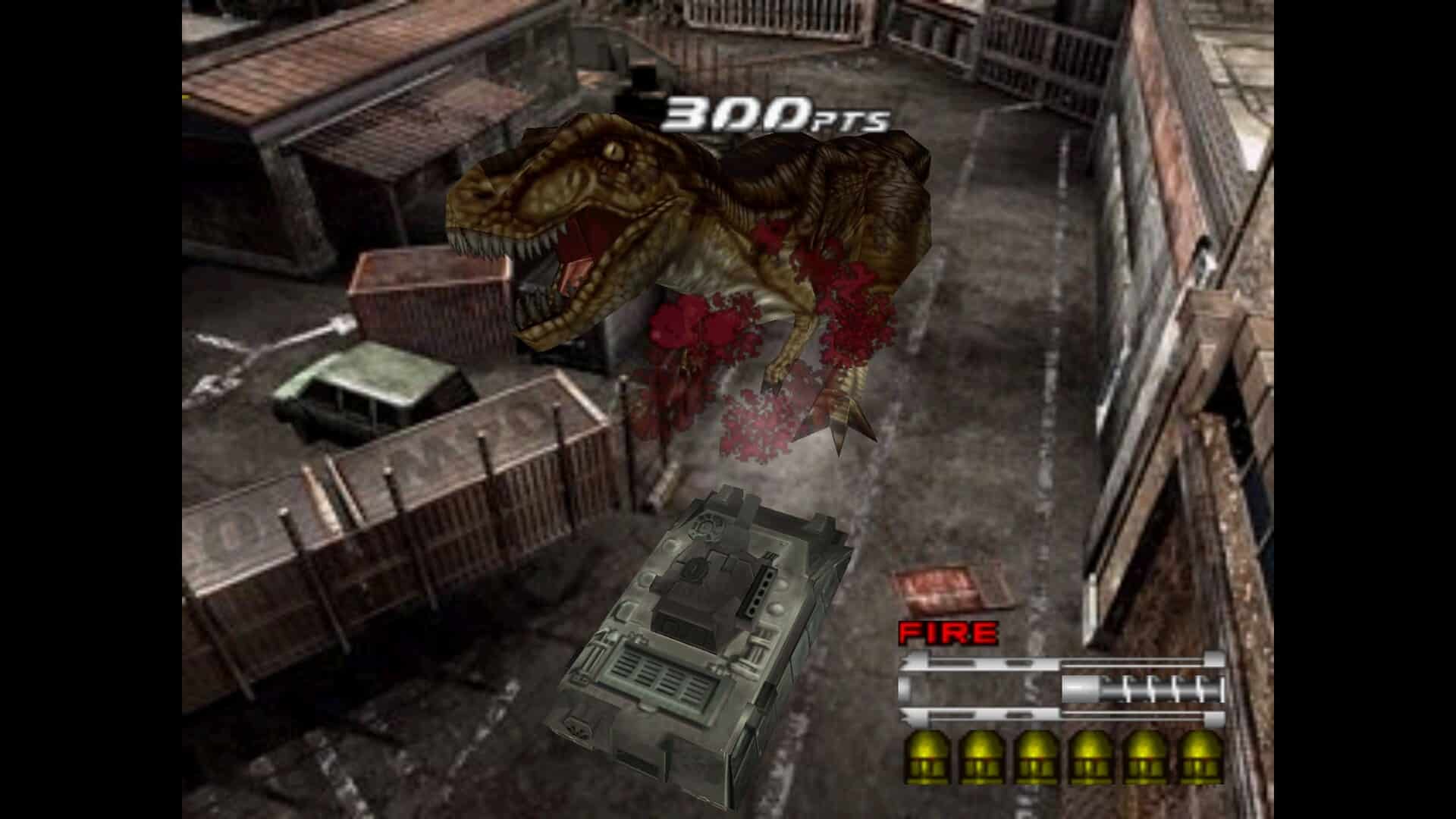
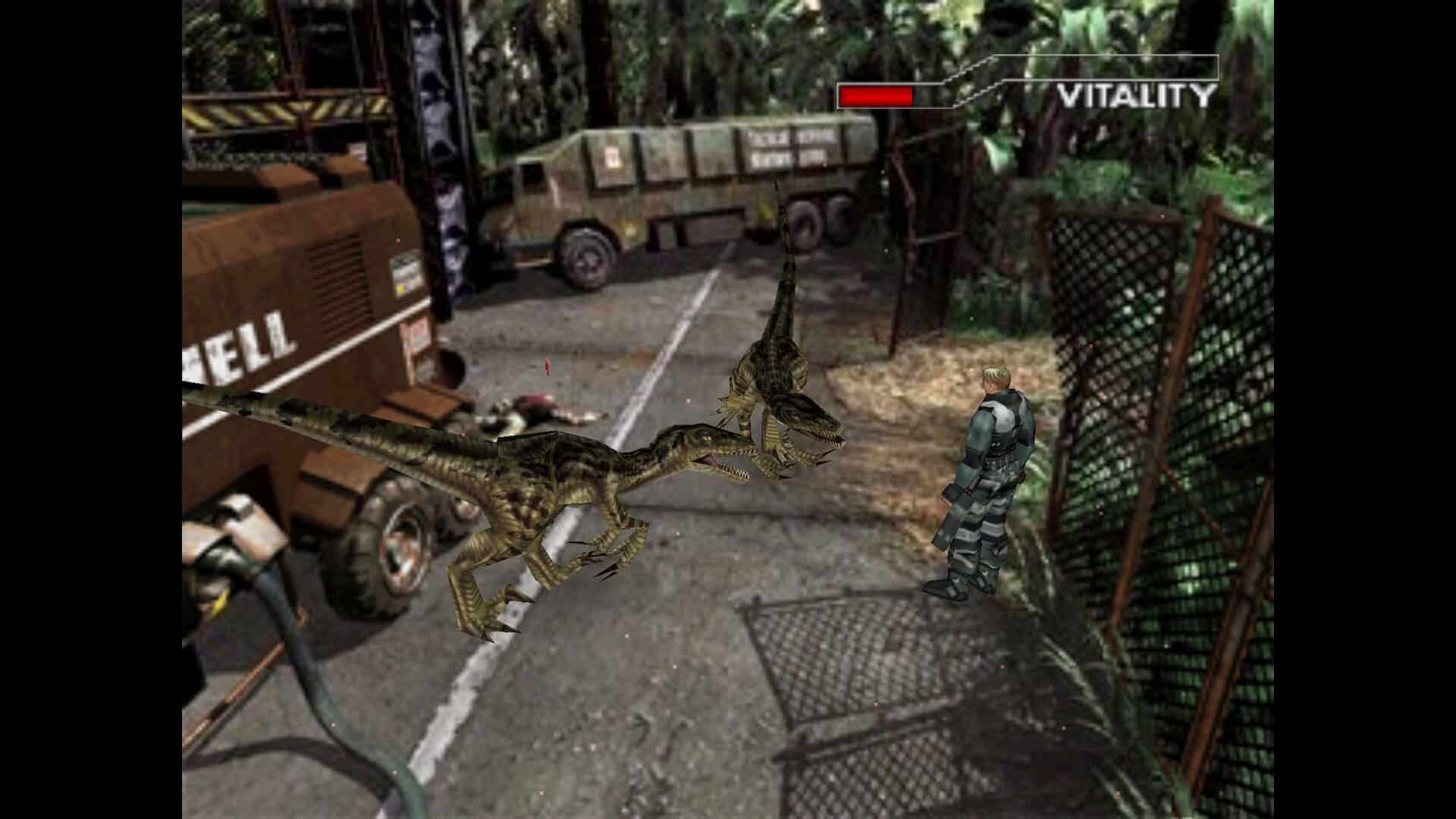
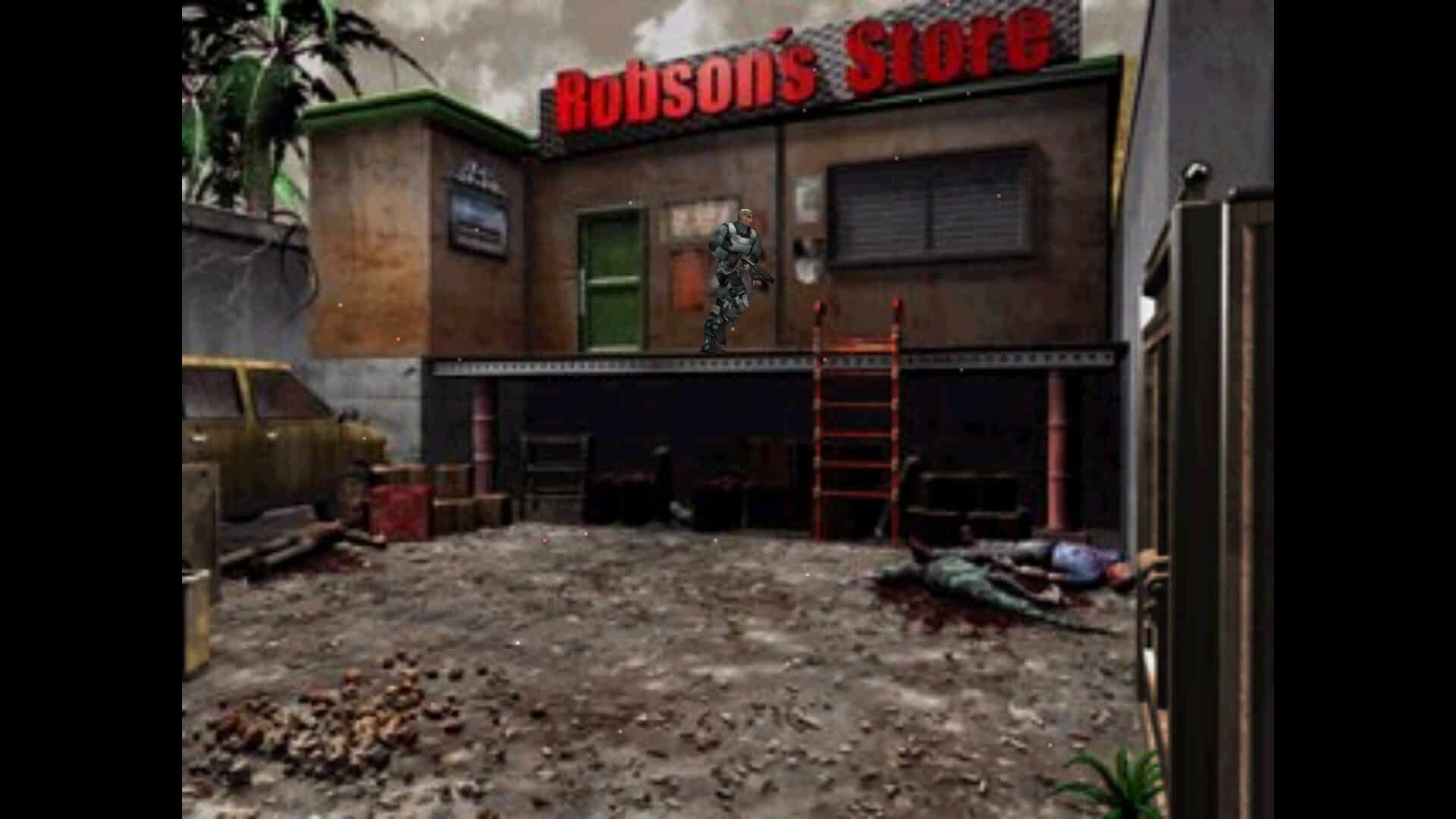
Compared to its predecessor, the sequel shifts away from traditional survival horror mechanics and leans more heavily into fast-paced, arcade-inspired action. Players have access to a broader arsenal of weapons, and defeated enemies drop “Extinction Points” that can be spent on new equipment and upgrades. The game also incorporates several concepts that were originally cut from the first installment, including a larger variety of dinosaur species and a higher number of on-screen enemies, intensifying the sense of pressure. By utilizing pre-rendered backgrounds instead of fully 3D environments, the developers were able to realize a jungle setting, an idea previously abandoned due to hardware constraints.
Screenshots
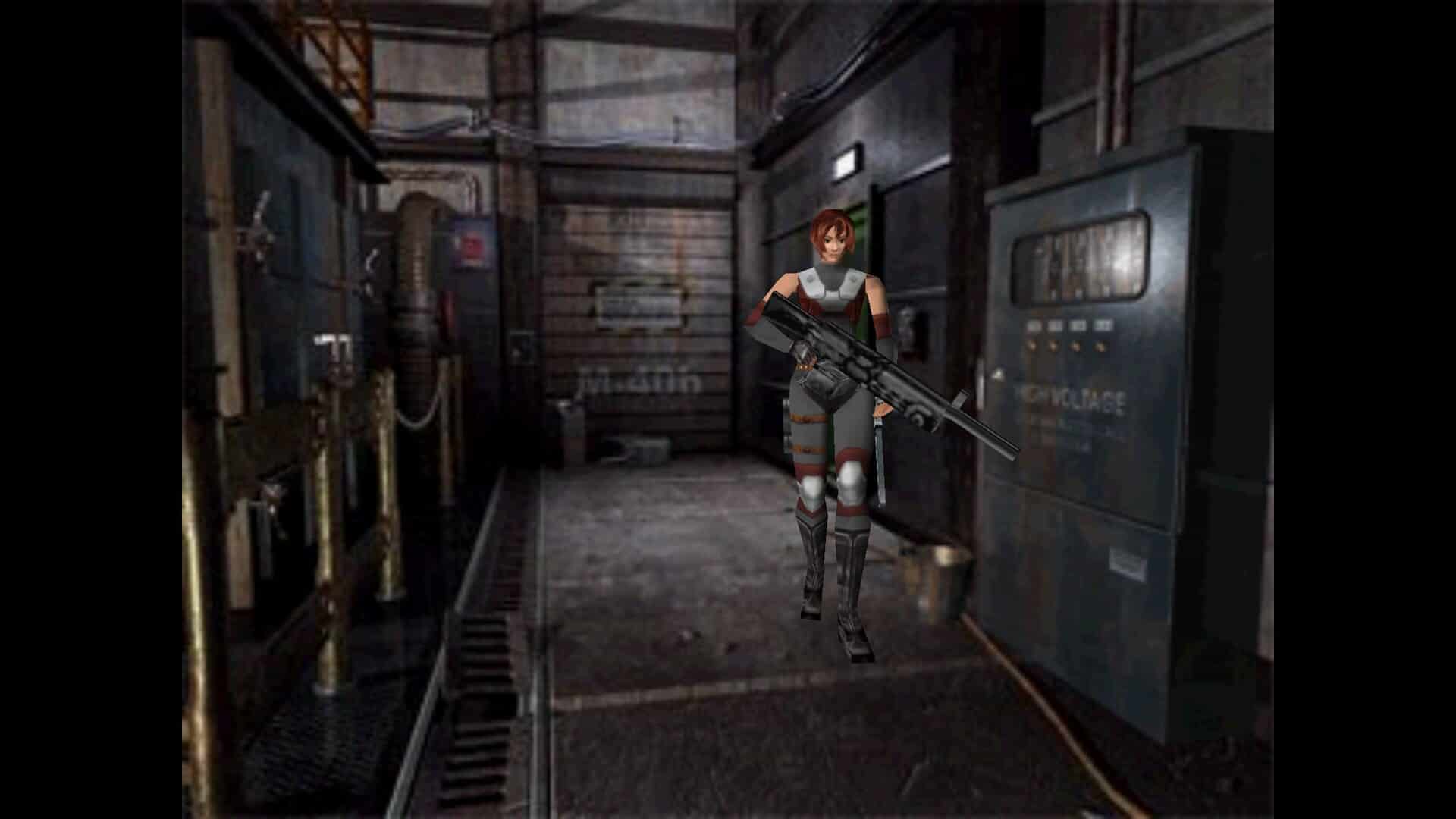
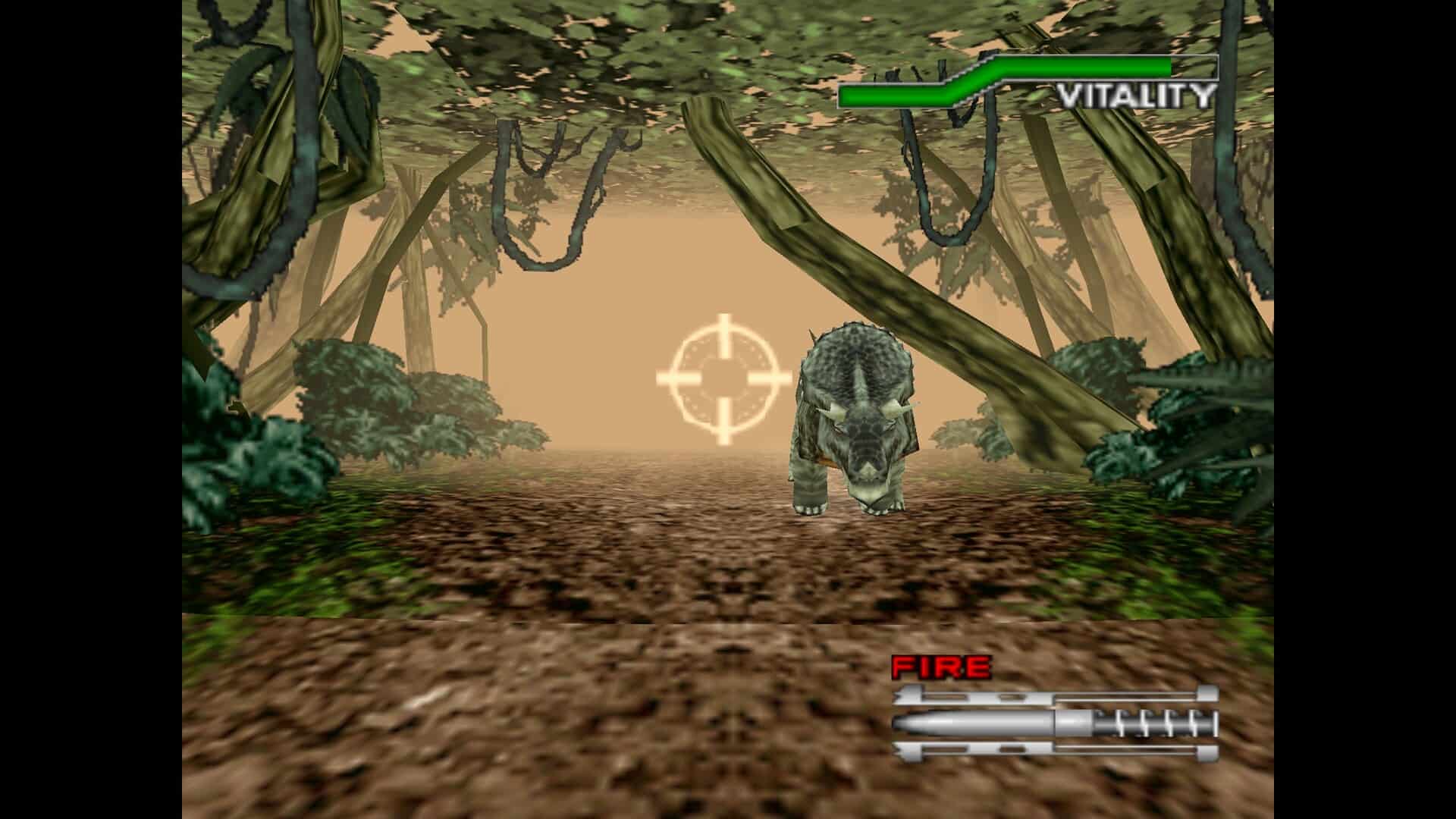
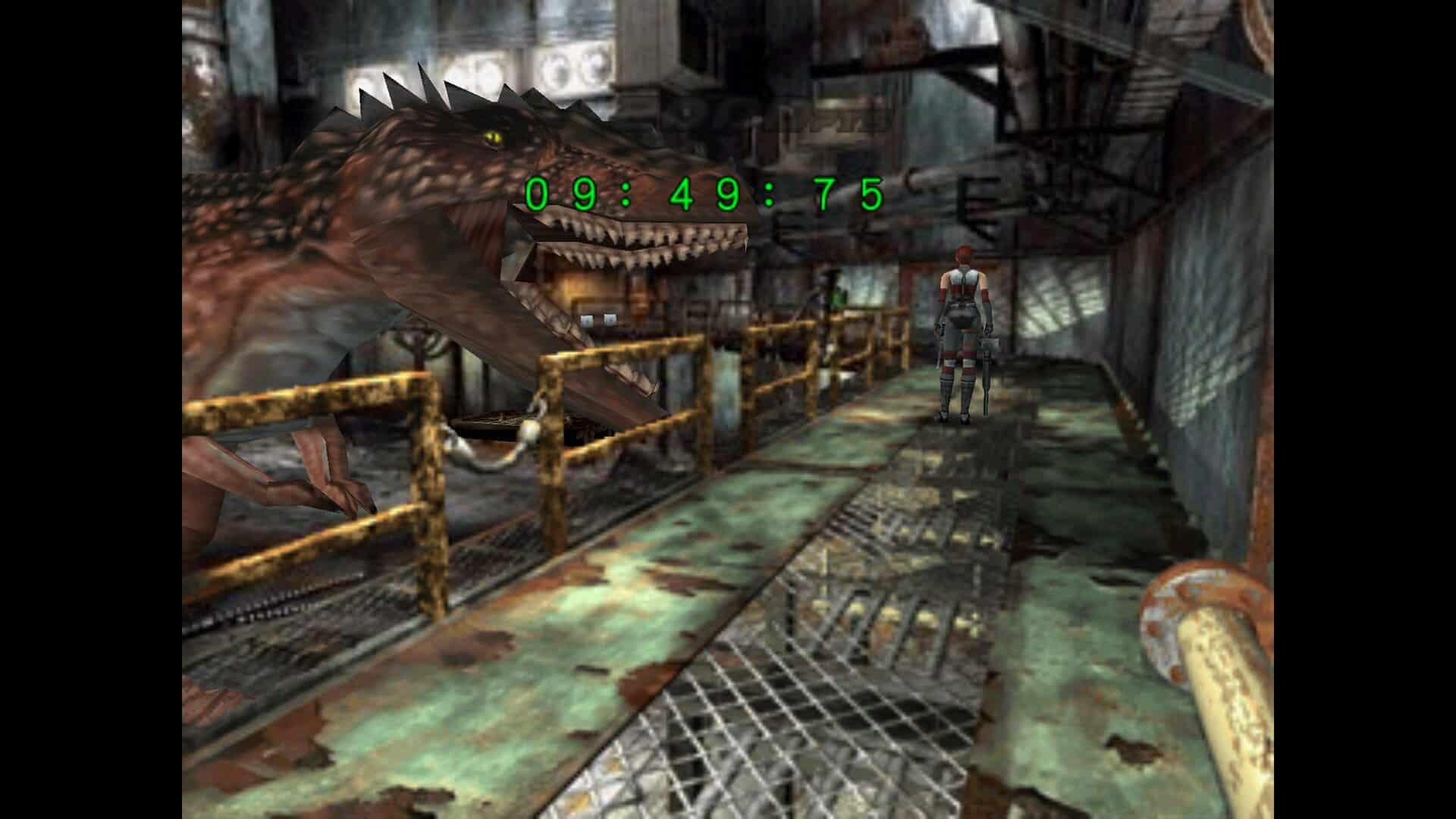
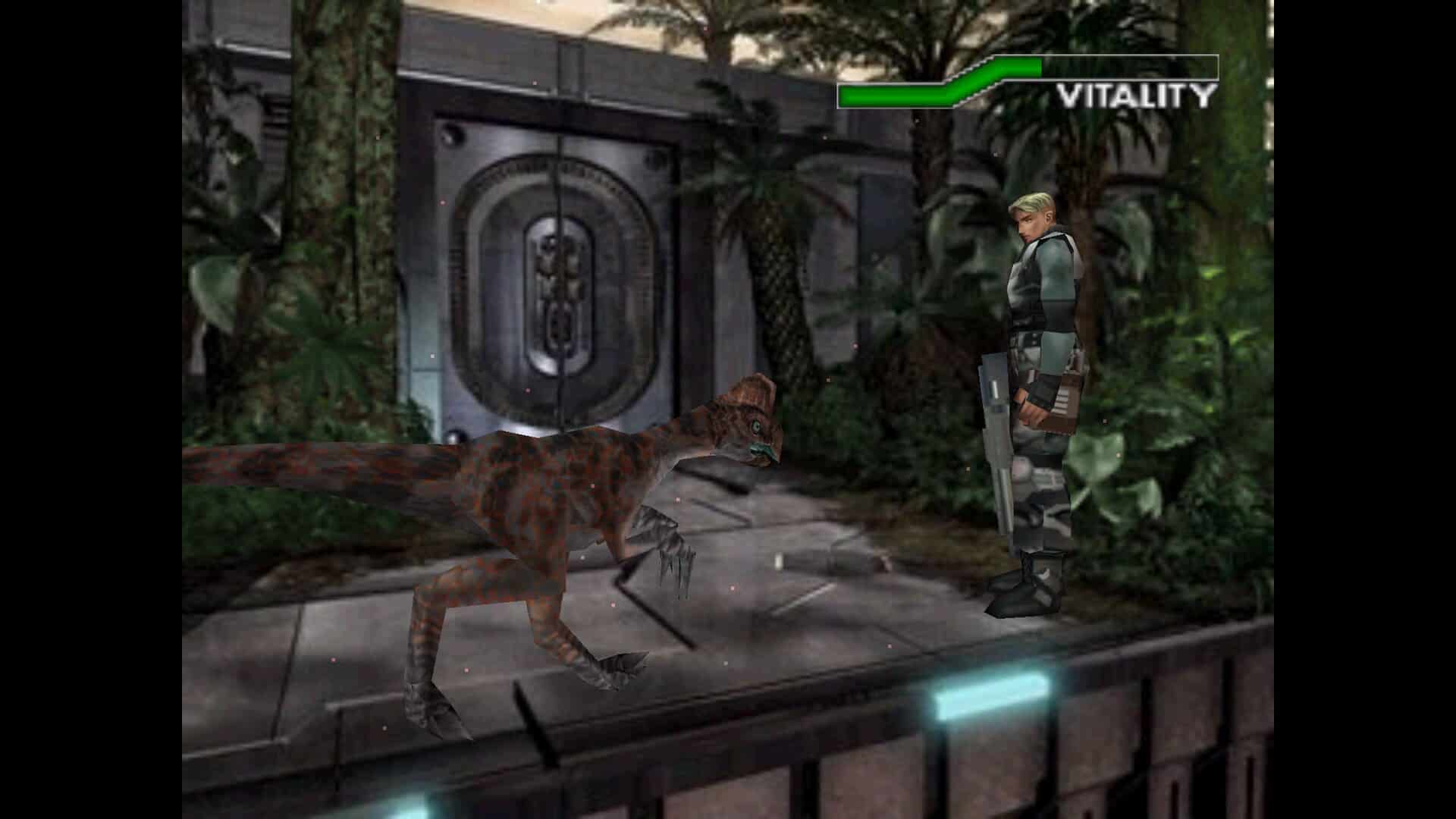
Downloads
Dino Crisis 2 *Steam Enhancement Pack*
- Download method
- MulderLoad
- Download size
- 1.3 GB
- Version
- 26.10.3
- Source code
- View on GitHub
- Additional Language(s)
- 🇺🇸
- Type
- Enhancement Pack
- Required Game
- Dino Crisis 2 @ Steam
- Included contents
Dino Crisis 2 *GOG Enhancement Pack*
- Download method
- MulderLoad
- Download size
- 304 MB ~ 427 MB
- Version
- 26.10.3
- Source code
- View on GitHub
- Additional Language(s)
- 🇯🇵 🇺🇸
- Type
- Enhancement Pack
- Required Game
- Dino Crisis 2 @ GOG
- Included contents
Notes
Dino Crisis 2 *Steam Enhancement Pack*
This enhancement pack is designed to work with the Steam release. It will:
- Downgrade the game to the GOG v1.0 Hotfix 3 version.
- Install Dino Crisis 2 Classic REbirth in a "rebirth" subfolder.
- Install high-quality videos
- Install high-quality SFX
- Install high-quality textures (Rex-HD Project Preview)
- Install MulderConfig to fix Steam Overlay and Steam Input, and enable toggling between REbirth and Rex-HD (note: they are not yet compatible with each other, so switching is required).
- Optionally remove non-REbirth files to save disk space.
Dino Crisis 2 *GOG Enhancement Pack*
This enhancement pack is designed to work with the GOG releases (Japanese or English)
If you use the Japanese GOG version, it will:
- Fix missing & corrupted files
- Install Dino Crisis 2 Classic REbirth in your game folder
- Install high-quality videos
- Install high-quality SFX
Japanese version is a requirement for REbirth. Don't worry, it includes an English translation, enabled by default.
If you use the English GOG version, it will:
- Fix missing & corrupted files
- Install high-quality textures (Rex-HD Project Preview)
The reason is that REbirth and Rex-HD are not yet compatible with each other.